LOCAL AI AGENT
A local AI agent that runs on your own computer
A local AI agent is software that plans and finishes multi-step work on your own computer instead of a vendor's cloud. C5 by Growther.si keeps three of an agent's four layers — app, data and memory — on your computer; the model is your choice, local or cloud. It ships as one file for macOS, Windows and Linux, runs 200+ specialist agents and, with a local model, works offline.
- One file: macOS, Windows, Linux
- 200+ agents, 17 divisions
- Encrypted database on your disk

What “local” actually means
“Local” gets used loosely, so it pays to ask which parts of an agent actually sit on your machine. An agent has four layers, and each one either lives on your computer or somewhere else. With C5, three of the four are always local — and the fourth is your choice.
| Layer | With a local model | With a cloud model |
|---|---|---|
| The agent app (planning, tools, schedules) | Your computer | Your computer |
| Files, tasks and history | Your computer, encrypted | Your computer, encrypted |
| Memory and search index | Your computer | Your computer |
| The model doing the thinking | Your computer | The provider you chose, on your own account |
That last row is the one to watch: the moment a task uses a cloud model, the text sent for that task reaches that provider. Run a local model and nothing has to leave the machine — see what a private AI agent means.
Can an AI agent run locally on my computer?
Yes, on an ordinary laptop or desktop. C5 ships as one file for macOS, Windows and Linux — no Node, no Docker, nothing else to install first. It runs its agents, its schedules and its database on the machine it is installed on, and it keeps going without an internet connection when it has a local model to think with.
- macOS, Windows and Linux — one installer, or Homebrew on macOS and Linux.
- No GPU required for C5 itself. The app is light; a local model's speed depends on your hardware, and cloud models need none.
- Mix and match. Route private work to a local model and heavy lifting to a cloud model, task by task.
What a local AI agent can do
A chatbot answers. An agent finishes. Give C5 a goal in plain words and it writes the spec, picks the right specialists from 17 divisions, runs them in parallel, checks the result and reworks anything that misses — see multi-agent orchestration.
- Finished deliverables — reports, plans, decks and publication-grade PDFs, not drafts.
- Recurring work — scheduled jobs that run daily, weekly or monthly on their own.
- Work across your computer — tools, integrations, MCP servers and, when nothing else will do, computer use.
- Your own files — an encrypted, searchable memory of your local data.
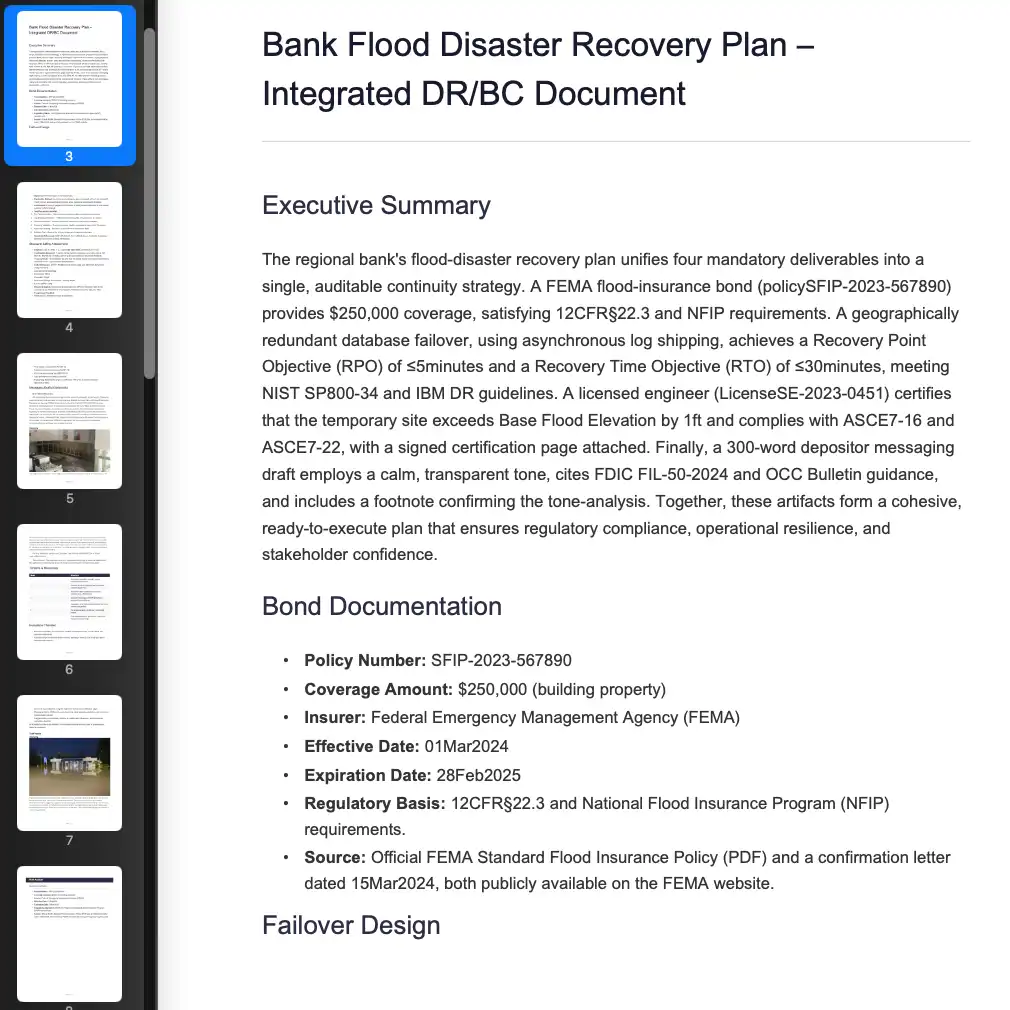 Bank Flood Disaster Recovery Plan - Integrated DR/BC Document
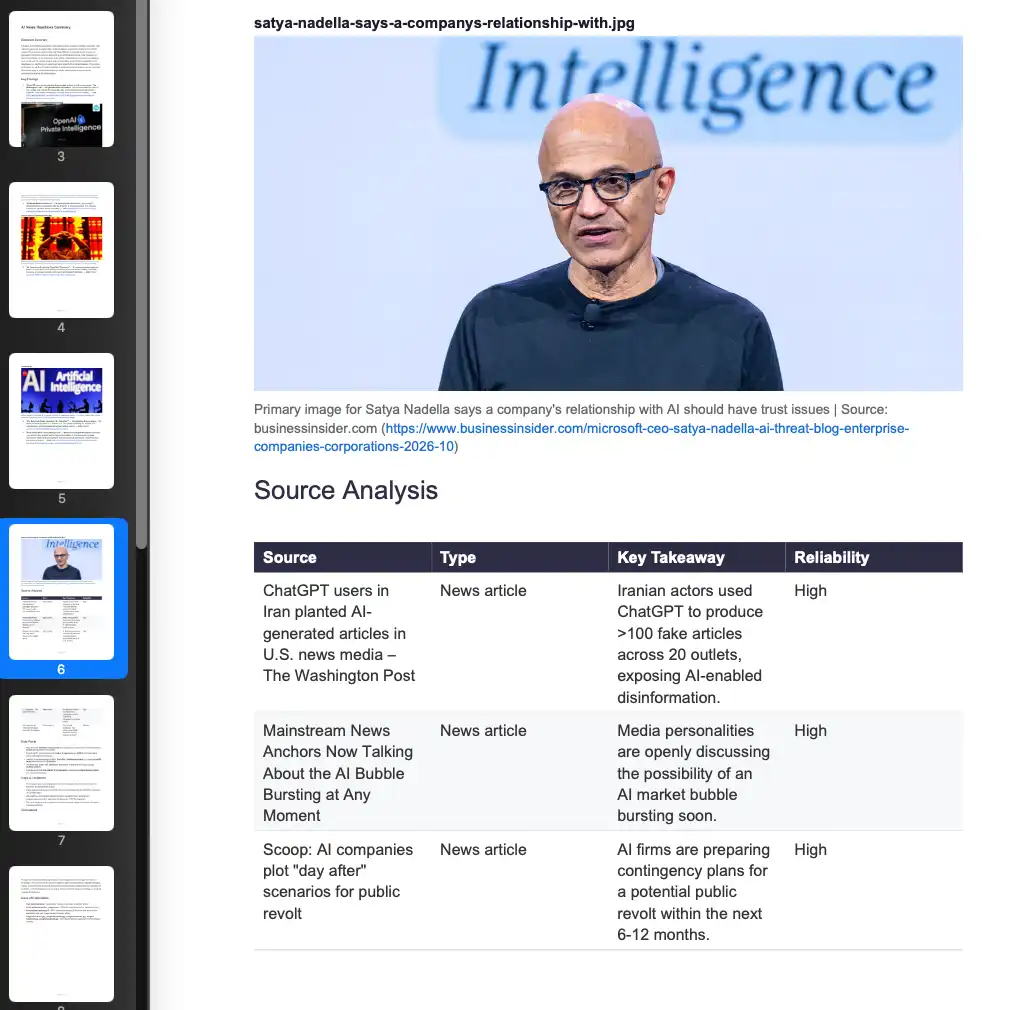 News & Research Compilation
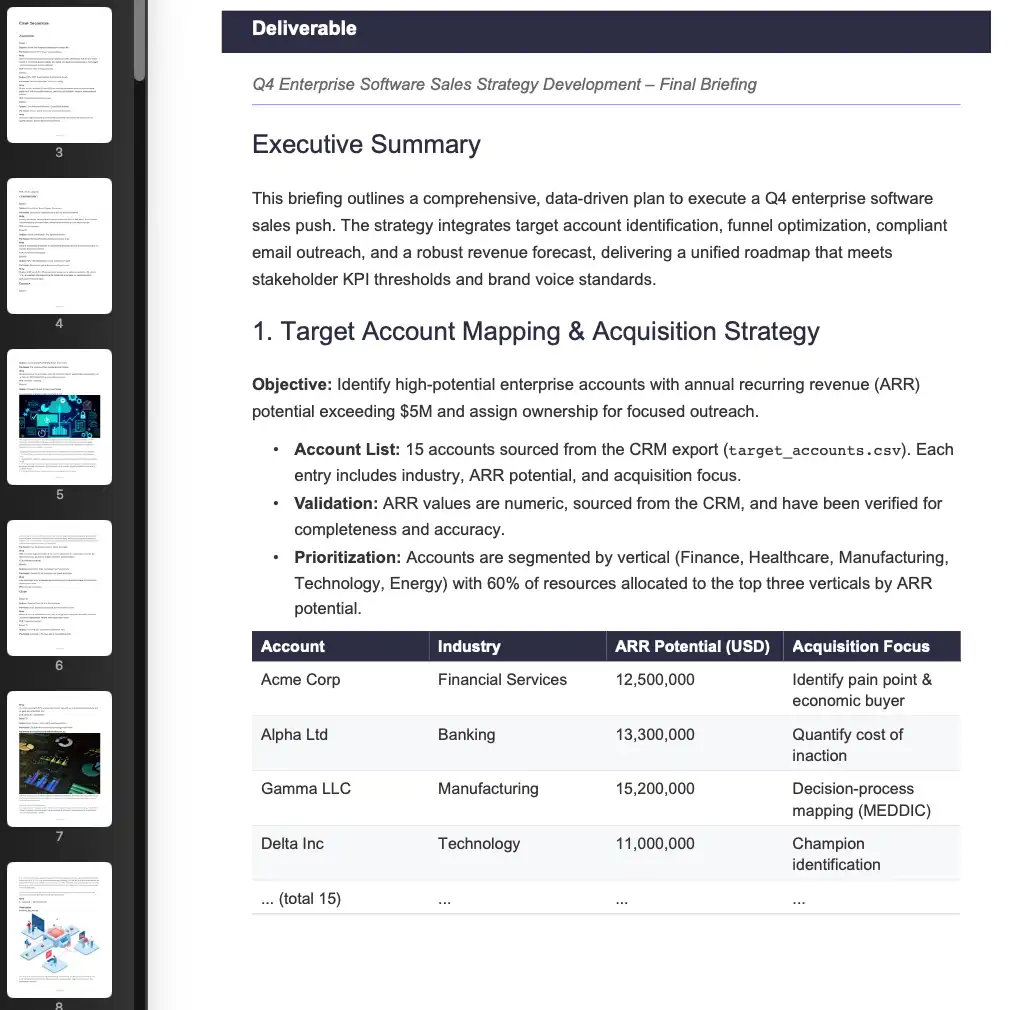 Q4 Enterprise Sales Strategy Development
Local vs cloud AI agents
| C5 (local) | Typical cloud AI agent | |
|---|---|---|
| Where tasks run | Your computer | The vendor's servers |
| Where files and history live | Your disk, encrypted at rest | The vendor's storage |
| Works offline | Yes, with a local model | No |
| Model choice | 14+ cloud providers or fully local | The vendor's models |
| Who holds the keys | You | The vendor |
A local agent is the wrong fit if no computer of yours can stay on for the work — schedules wait while the machine sleeps — or if you want a hosted service someone else keeps running.
Already using a cloud agent? See a private alternative to cloud AI agents — you can even bring your Claude, Codex and Antigravity sessions with you.
Get started
- Download C5Download C5 for macOS, Windows or Linux and activate it with your licence.
- Connect a modelPoint C5 at a local runtime such as Ollama, LM Studio or llama.cpp, or add your own key for a cloud provider.
- Pick a starting workspaceChoose the workspace that matches the work — each one carries its own rules of engagement.
- Type your first requestState the outcome you want. C5 turns it into a spec, staffs the specialists, runs them and verifies the result before handing it back.
Frequently asked questions
What does a local AI agent cost to run?
It depends on the models you use. C5 itself needs a licence — plans are on the Pricing tab. Local models add no per-use cost, because they run on your own hardware; cloud providers, if you use them, bill you directly on your own account.
Do I need a GPU to run a local AI agent?
No, not for C5 itself. A GPU or Apple silicon makes local models faster, and smaller local models run on ordinary laptops. If your machine is modest, use a cloud model for heavy tasks and a local one for private ones.
Which local models work with C5?
Anything you can serve through Ollama, LM Studio or llama.cpp, plus local agent gateways such as OpenClaw, PicoClaw and Hermes Agent. C5 routes each task to the best-fit model you have allowed.
Does a local AI agent work without internet?
Yes, with a local model. C5 is offline-first: agents keep executing and schedules keep running with no connection, and anything that needs the network catches up when you reconnect.
Can a local AI agent still use ChatGPT or Claude models?
Yes. Add your own key for OpenAI, Anthropic, Gemini, Bedrock, Mistral or another of the 14+ supported providers. The agent stays local; only the text sent for that task goes to that provider.
In the docs
Run the agent on your own computer
The app, your data and your memory stay on your machine, and you pick the model. Download C5 for macOS, Windows or Linux and give it its first job.