MULTI-AGENT ORCHESTRATION
Multi-agent orchestration: one prompt, a whole team
Multi-agent orchestration coordinates several specialized AI agents on one goal: one plans, others execute in parallel, another checks the result. C5 runs this on your own computer with 200+ specialists across 17 divisions and sends any work that fails its checks back for rework before you see it. You read the plan first and can stop at any step.
- 200+ specialists, 17 divisions
- 5 stages: plan to improve
- Failed checks go back for rework
Why a team beats one agent
Hand a long job to a single assistant and it works in a straight line, slowly, and loses the thread partway. A team splits the work so each agent has one small, clear job, and agents working at the same time finish sooner than one working in order.

If every job you have is a single question with a single answer, a team is overhead you do not need; the pipeline earns its place on work with several parts and a result worth checking.
Plan, staff, execute, verify, improve
| Stage | What happens |
|---|---|
| Plan | A rough request becomes a full spec — goals, constraints and acceptance criteria — written as a plan you can read before work starts. |
| Staff | C5 picks the right specialists from its 17 divisions for each piece of the plan. |
| Execute | Big tasks split into smaller ones, and agents work on them in parallel, each in its own separate space. |
| Verify | Work is checked before it counts as done. Anything that misses goes back to be redone, not handed over broken. |
| Improve | Plans from work that went well can be saved as recipes, and C5 learns from each run under dials you control. |
Five core agents keep the run on track: Sol coordinates and routes each task, Sage breaks missions into staffed, verifiable steps, Athena checks agents' tool calls against the guardrails, McCoy heals stalled runs, and Cliff keeps context tidy.
Watch the team work
You should see where a job stands at any moment, not only at the end. One sentence can become twenty cards on the Productivity board, each small enough to check on its own, and a parent card shows how many of its children are done. The Agent Network view draws agents passing work to each other, so a bottleneck shows at a glance.

- Read the plan first. If it is heading the wrong way, say so and C5 plans again — cheaper than finishing and starting over.
- Plan only, if you like. Say “plan only” and C5 stops after the plan.
- Stop any time. Stop halts new steps; Master Pause halts every new task step at once.
- Survives interruptions. A failed step is retried, a step that keeps failing is marked blocked with the reason, and after a restart or power cut work resumes where it was.
The right model for each agent
Agents do not all need the same model. Give a group of agents a model in one batch on the Fleet page, route hard reasoning to your strongest model and bulk work to a local one, and set the fallback order for when a provider is down. How many agents run at once is set by sliders for local and cloud models.
Every running agent can spend money, so set a budget for your AI agents before you grow the team. A team like this runs on a local AI agent, and the same pipeline runs scheduled jobs while you are away. Consultants use it for finished client deliverables.
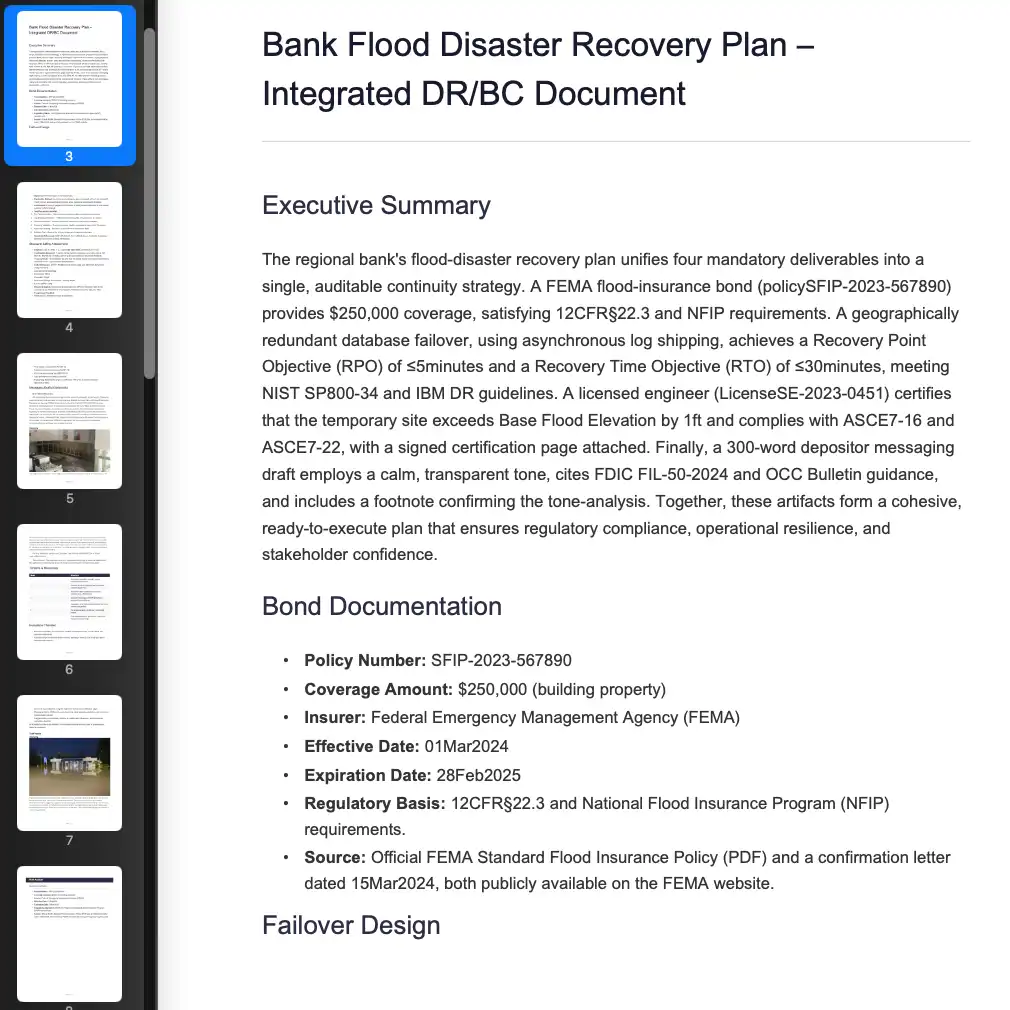 Bank Flood Disaster Recovery Plan - Integrated DR/BC Document
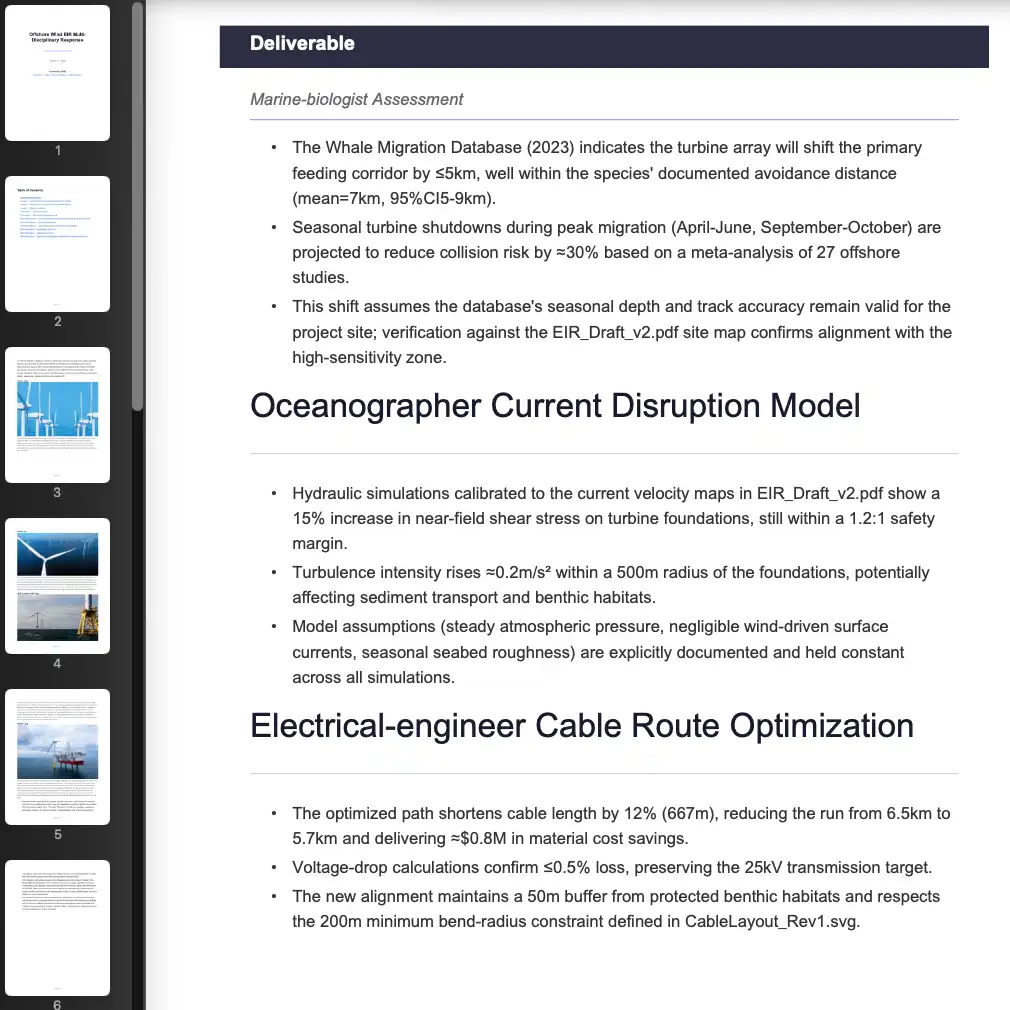 Offshore Wind EIR Multi-Disciplinary Response
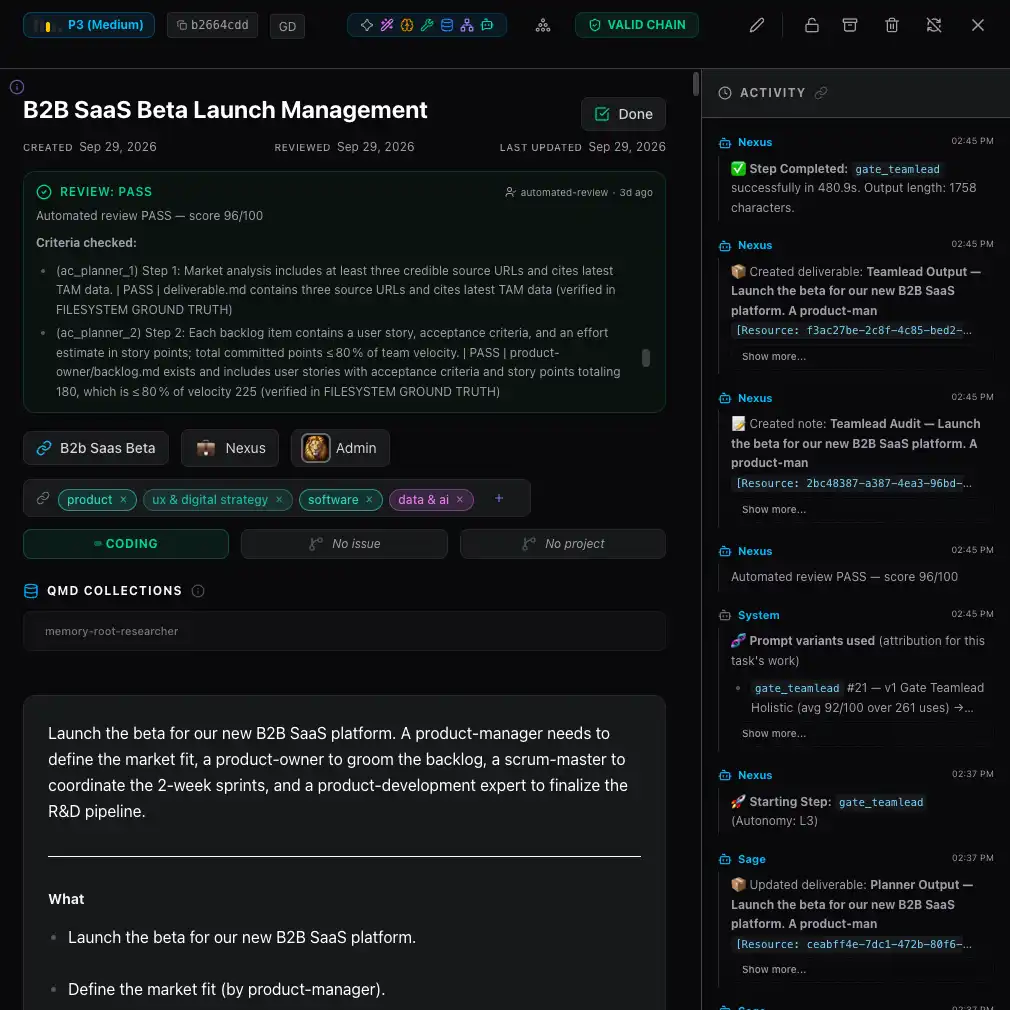 B2B SaaS Beta Launch Management
Frequently asked questions
What is multi-agent orchestration?
It is coordinating several specialized AI agents on one goal. One part plans and keeps track, others do the work at the same time, and the results are checked before they reach you. Each agent has a small, clear job, which tends to give better results than one agent juggling everything.
How many AI agents does C5 have?
200+ trained specialists across 17 divisions, from leadership and legal to finance, healthcare and household management. C5 staffs each task with the ones it needs, so you describe the outcome rather than picking the team.
How many AI agents can run at the same time?
As many as your computer and your budget allow; C5 sets no fixed ceiling. Concurrency sliders for local and cloud models set how many steps run at the same time, and C5 can raise and lower the number itself as providers slow down or recover.
What happens when one of the agents gets it wrong?
Its work goes back for rework. Everything is checked before it counts as done, and anything that misses is redone rather than handed over. If a step keeps failing, the task is marked blocked and tells you why in plain words, instead of passing off half-finished work as done.
Do I have to use one model for every agent?
No. Different agents and kinds of work can use different models — local through Ollama, LM Studio or llama.cpp, or any of 14+ cloud providers on your own key — with a fallback order for when one is unavailable.
In the docs
Give one prompt to a whole team
Download C5 for macOS, Windows or Linux, describe the outcome once, and watch the plan, the team and the checks run on your own computer.